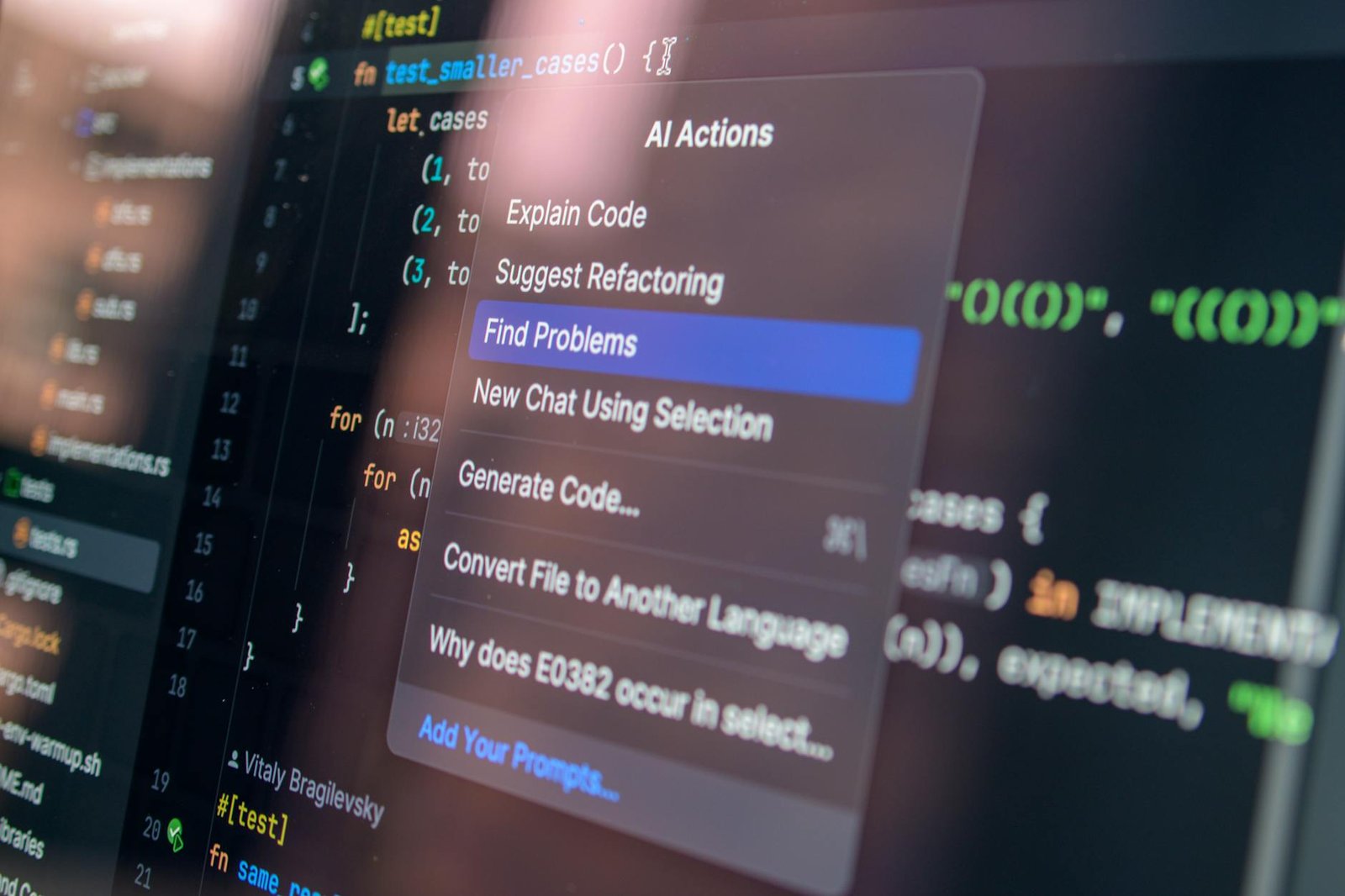
LM Studio vs Ollama: The Ultimate Guide to Local Large Language Models
LM Studio vs Ollama: The Ultimate Guide to Local Large Language Models Are you curious about the power of large language models (LLMs) but intimidated by the complex setups required to run them? In 2024, access to powerful AI has exploded. From crafting compelling content to generating code, LLMs are rapidly transforming how we work and create. However, relying entirely on cloud-based APIs can be expensive and limited by your internet connection. Enter local LLMs – models you can run on your own computer. This guide breaks down the key differences between LM Studio and Ollama, two popular platforms for accessing and running these models locally, empowering you to unlock the potential of AI on your own terms. We’ll explore their features, pros and cons, and help you choose the right tool for your needs, ultimately giving you the knowledge to explore the fascinating world of open-source LLMs. | lm studio vs ollama local ai tools Understanding the Landscape: What are Local Large Language Models? Before diving into LM Studio and Ollama, let’s briefly understand what local LLMs are and why they are gaining traction. Unlike cloud-based LLMs like OpenAI’s GPT series, local LLMs are downloaded and run directly on your hardware. This offers several significant advantages. First, you eliminate data privacy concerns, as your prompts and generated text remain on your device. Second, you can control your costs, avoiding per-token fees. Third, you unlock offline functionality, allowing you to use LLMs even without an internet connection. Finally, you gain greater customization options, as you can fine-tune models with your own data. The rise of local LLMs is driven by the increasing availability of open-source models, such as Llama 2, Mistral, and Gemma. These models, though powerful, require substantial computational resources – particularly powerful GPUs – to run efficiently. LM Studio and Ollama aim to simplify the process, making LLMs accessible to a wider audience. The Rise of Open-Source LLMs The open-source AI community has exploded in recent years, releasing a torrent of powerful LLMs. Models like Llama 2 from Meta have become industry benchmarks, demonstrating incredible capabilities in text generation, translation, and question answering. The availability of these models has democratized access to advanced AI, allowing individuals and organizations to experiment without the need for expensive cloud services. This has fueled a surge in tools like LM Studio and Ollama that streamline the local LLM experience. LM Studio: A User-Friendly GUI for Local LLMs LM Studio distinguishes itself with its intuitive graphical user interface (GUI). This visual approach makes it particularly appealing to beginners who might find command-line tools daunting. The application provides a clean and organized interface for discovering, downloading, and running a wide variety of LLMs. LM Studio simplifies the model loading process by offering a selection of models categorized by size, licensing, and performance. It also provides a built-in chat interface, allowing you to interact with the models directly without needing to connect to a separate terminal. This is a significant advantage for quick experimentation and prototyping. LM Studio offers several features to enhance the user experience: model management (easy to switch between models), context window management (handling longer conversations), quantization options (reducing model size for faster inference), and a community-driven model repository. Furthermore, it supports various inference backends (like llama.cpp) giving flexibility in optimization. LM Studio’s Strengths User-Friendly Interface: The GUI makes it easy to navigate and use. Model Discovery: A curated list of models with details and performance metrics. Built-In Chat Interface: Seamless interaction with models without a separate terminal. Quantization Support: Allows you to run larger models on less powerful hardware. Strong Community Support: Extensive documentation and a helpful community forum. LM Studio’s Weaknesses Resource Intensive: Still requires significant RAM and potentially a powerful GPU. Limited Customization Compared to Ollama: Fewer options for advanced configuration. Can be slower than Ollama for certain models on less powerful hardware. Ollama: Command-Line Simplicity and Rapid Model Deployment Ollama takes a different approach, emphasizing command-line simplicity and speed. It is designed to be a minimal and efficient tool for deploying LLMs. Its core strength lies in its straightforward command-line interface, making it exceptionally easy to start running models without any complex configurations. Ollama simplifies the download and execution process. You simply run the command `ollama run ` and Ollama handles everything – downloading the model if it’s not already present, and setting up the inference environment. It also offers excellent integration with popular development environments like VS Code and Jupyter Notebook, making it easy to incorporate LLMs into your workflows. Ollama’s focus on speed and simplicity makes it ideal for developers and power users. Ollama supports various models through its official repository. The command-line interface also provides options for controlling memory usage and customizing the inference process. The active development of Ollama results in frequent updates with improved model support and performance enhancements. Ollama’s Strengths Simplicity: Extremely easy to use, especially for command-line users. Speed: Designed for fast model loading and inference. Integration: Seamless integration with popular development tools. Large Model Support: Supports a wide range of models. Active Development: Regular updates and improvements. Ollama’s Weaknesses No GUI: Requires familiarity with the command line. Less visually intuitive than LM Studio. Fewer built-in features compared to LM Studio. Comparing LM Studio and Ollama: A Detailed Table Feature LM Studio Ollama User Interface GUI Command Line Ease of Use Easy for beginners Easy for experienced CLI users Model Discovery Built-in model repository Dependency on official repository Chat Interface Built-in chat interface Requires integration with external chat tools Configuration Options More extensive More limited Speed Can be slower for some models Generally faster Resource Requirements Requires significant RAM and GPU (can be optimized) Requires significant RAM and GPU (can be optimized) Choosing the Right Tool: Which is Best for You? The best choice between LM Studio and Ollama depends on your experience level and specific needs. If you are a beginner to LLMs and prefer a user-friendly interface, LM Studio is an excellent starting point. Its GUI makes it