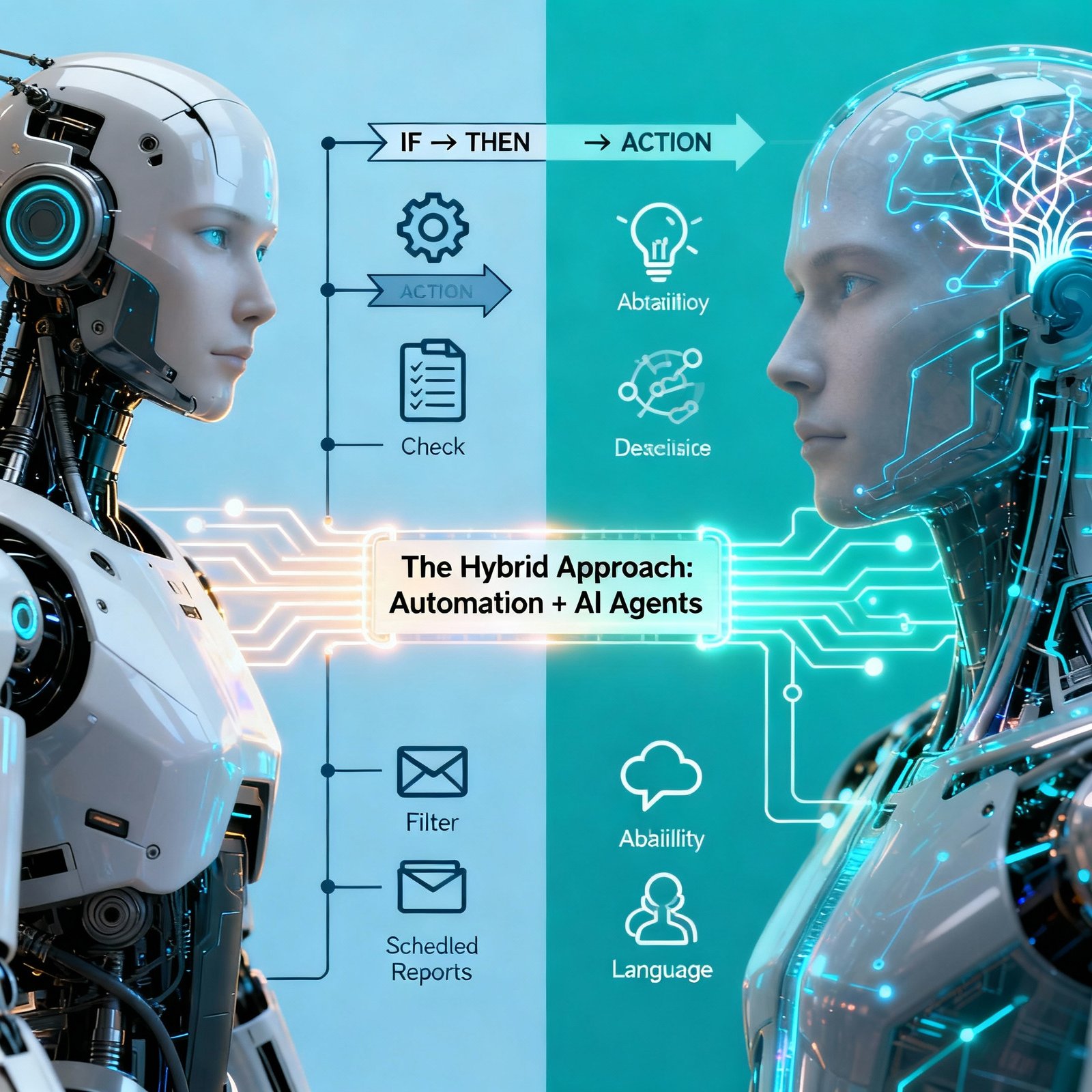
Running a small business means wearing multiple hats every single day. From managing customer inquiries to processing invoices, scheduling social media posts to following up with leads—the list never ends. But what if you could automate the repetitive tasks that consume hours of your workday? | AI workflow templates Welcome to the world of AI workflow automation, where companies reduce operational costs by 20-30% while improving efficiency by over 40%. This comprehensive guide will walk you through ready-to-use AI workflow templates specifically designed for small businesses like yours. What Are AI Workflow Templates? AI workflow templates are pre-built automation blueprints that combine artificial intelligence with your existing business tools to handle repetitive tasks automatically. Think of them as recipes for automation—you simply customize the ingredients (your tools and data) and let AI handle the cooking. Unlike traditional automation that follows rigid if-then rules, AI workflow automation is more flexible, able to examine patterns, learn from past outcomes, and make decisions based on context rather than merely reacting to triggers. Why Small Businesses Need AI Workflow Templates Time Savings That Actually Matter One employee can handle the workload of 10 when properly supported by AI workflow automation. Instead of spending hours on data entry, email responses, or report generation, your team can focus on strategic work that drives growth. Cost-Effective Implementation Most AI workflow templates can be implemented using affordable or free tools. Unlike platforms that charge per operation, some tools like n8n charge only for full workflow executions, where AI workflows performing around 100k tasks could cost $500+ per month on other platforms but start at around $50 on more efficient platforms. No Technical Expertise Required Modern AI workflow automation platforms are designed for business users without technical backgrounds, offering template-based setup processes that can be completed in days rather than months. Competitive Advantage The small businesses thriving in 2025 aren’t necessarily the ones with the biggest budgets or largest teams—they’re the ones that recognized AI workflow automation as the great equalizer. 15 Essential AI Workflow Templates for Small Businesses 1. Automated Email Marketing Sequences What It Does: Creates personalized email campaigns, segments audiences, and automatically sends follow-up sequences based on customer behavior. Tools You Need: Mailchimp, ChatGPT, Zapier Template Workflow: Real Impact: Email lists start working for you rather than collecting dust when automated with AI. Setup Time: 2-3 hours 2. Customer Support Ticket Management What It Does: Automatically categorizes support tickets, routes them to the right team member, and sends initial responses. Tools You Need: HubSpot, Slack, AI categorization tool Template Workflow: Real Impact: Agents handle 13.8% more inquiries per hour when AI handles the groundwork. Setup Time: 1-2 hours 3. Lead Follow-Up Automation What It Does: Automatically follows up with leads at optimal times with personalized messages based on their behavior and interests. Tools You Need: CRM (HubSpot/Pipedrive), ChatGPT, automation platform Template Workflow: Real Impact: Sales success is in the follow-through, and automated systems ensure you never drop the ball. Setup Time: 2 hours 4. Social Media Content Scheduling What It Does: Generates social media posts, schedules them across platforms, and optimizes posting times for maximum engagement. Tools You Need: ChatGPT, Buffer/Hootsuite, Make or Zapier Template Workflow: Real Impact: Maintain consistent social presence without daily manual posting. Setup Time: 3-4 hours initial setup, then 1 hour weekly 5. Invoice and Payment Reminders What It Does: Tracks overdue invoices and sends progressively firmer payment reminders automatically. Tools You Need: Accounting software (QuickBooks/FreshBooks), email automation, AI content generator Template Workflow: Real Impact: Ensures consistent cash flow and reduces time spent on accounts receivable without awkward manual follow-ups. Setup Time: 1-2 hours 6. Client Onboarding Automation What It Does: Creates a seamless onboarding experience with automated welcome emails, document collection, and project setup. Tools You Need: Typeform, Zapier, CRM, project management tool Template Workflow: Real Impact: Client onboarding becomes automated, personalized, and professional, making clients feel like VIPs from day one. Setup Time: 3-4 hours 7. Meeting Transcription and Summary What It Does: Records meetings, transcribes them automatically, and generates actionable summaries with key points and action items. Tools You Need: Otter.ai or similar, AI summarization tool, project management integration Template Workflow: Real Impact: Never miss meeting details and ensure accountability on action items. Setup Time: 30 minutes 8. Content Creation and Repurposing What It Does: Takes one piece of content (like a blog post) and automatically repurposes it into multiple formats for different platforms. Tools You Need: ChatGPT, Canva API, social media management tool Template Workflow: Real Impact: One piece of content becomes 10+ assets across platforms. Setup Time: 4-5 hours initial setup 9. Expense and Receipt Management What It Does: Extracts data from receipts, categorizes expenses, and updates accounting software automatically. Tools You Need: Receipt scanning app, AI data extraction, accounting software integration Template Workflow: Real Impact: Eliminates manual data entry and ensures accurate expense tracking. Setup Time: 2-3 hours 10. Competitive Intelligence Gathering What It Does: Monitors competitor websites, pricing changes, and social media activity, then compiles reports automatically. Tools You Need: Web scraping tool, AI analysis, reporting dashboard Template Workflow: Real Impact: What previously required 40+ hours of manual research now completes automatically in 2 hours. Setup Time: 4-6 hours 11. Resume Screening and Candidate Matching What It Does: Analyzes resumes, compares them to job descriptions, and ranks candidates automatically. Tools You Need: AI resume parser, ATS integration, email automation Template Workflow: Real Impact: Speeds up hiring process and ensures no qualified candidate is overlooked. Setup Time: 3-4 hours 12. Customer Feedback Analysis What It Does: Collects customer feedback from multiple sources, analyzes sentiment, and identifies trends. Tools You Need: Survey tool, AI sentiment analysis, reporting dashboard Template Workflow: Real Impact: Turn customer feedback into actionable business insights automatically. Setup Time: 3-4 hours 13. Proposal and Contract Generation What It Does: Creates customized proposals and contracts based on client information and predefined templates. Tools You Need: ChatGPT, PandaDoc or HoneyBook, payment processor Template Workflow: Real Impact: Go from proposal to payment without breaking a sweat—it’s