
AI and Software Development Company | Tech Biz Builders

Low-code Tools

N8N

How to Set Up n8n Self-Hosted on a Raspberry Pi for Ultimate Automation

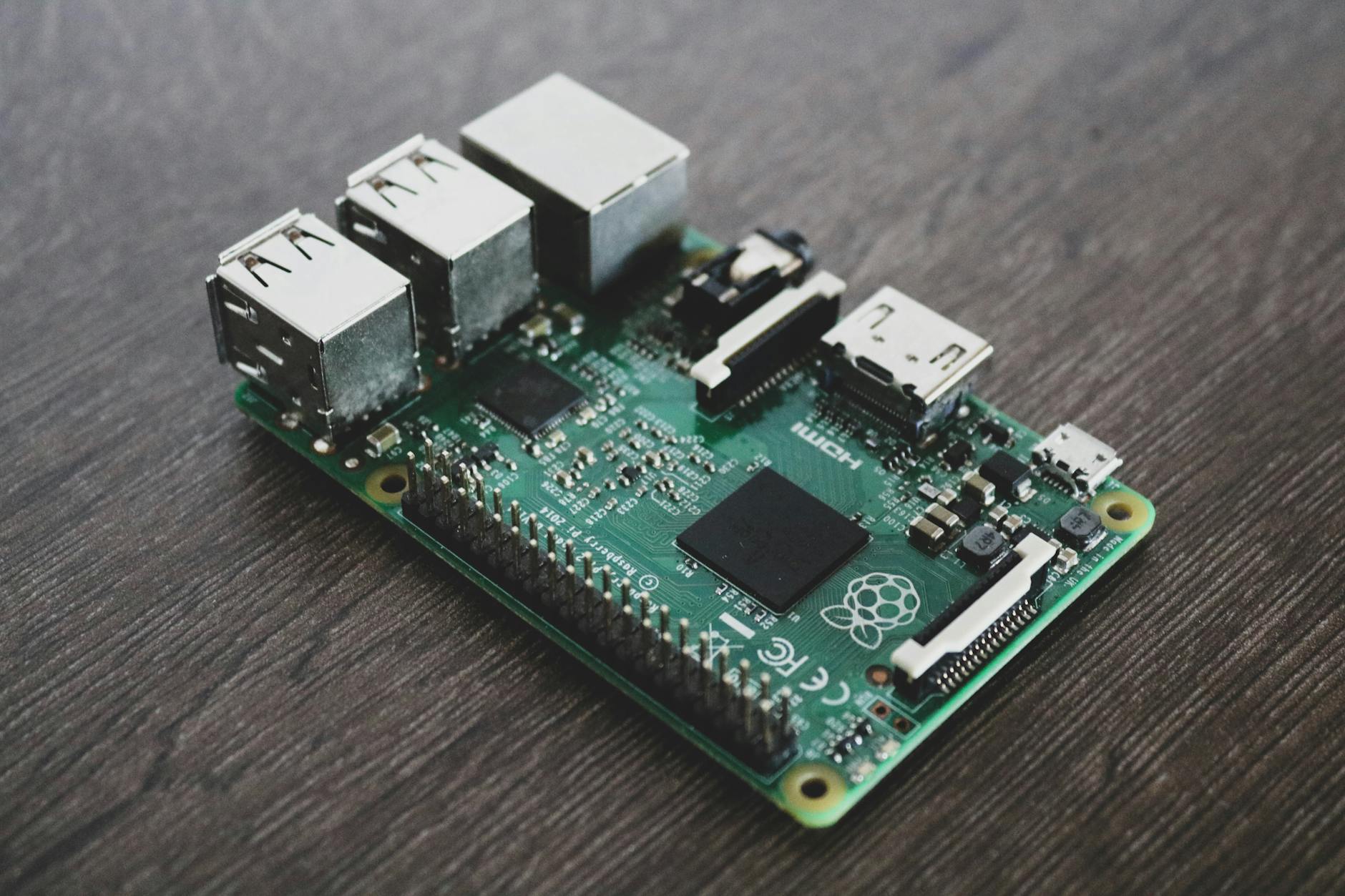
How to Set Up n8n Self-Hosted on a Raspberry Pi for Ultimate Automation Are you looking for a powerful, yet affordable solution for automating your tasks? Setting up n8n self-hosted on a Raspberry Pi can be an excellent choice. This guide will walk you through the entire process, from installing necessary software to configuring n8n for optimal performance. By the end of this article, you’ll have a fully functional automation platform ready to streamline your workflows. Why Use a Raspberry Pi? The Raspberry Pi is an excellent choice for self-hosting n8n due to its low cost and compact size. It’s perfect for home use or small businesses looking to automate tasks without breaking the bank. With a Raspberry Pi, you can keep your automation infrastructure on-premises, ensuring complete control over your data. Hardware Requirements To get started, you’ll need: – A Raspberry Pi 4 (recommended) – MicroSD card with at least 8GB of storage – Power supply (5V, 3A) – Ethernet cable or Wi-Fi adapter Setting Up the Raspberry Pi Begin by installing the latest version of Raspberry Pi OS on your MicroSD card. You can download it from the official Raspberry Pi website. Once installed, boot up your Raspberry Pi and update all packages using the following commands: sudo apt-get update sudo apt-get upgrade Installing n8n n8n can be easily installed on your Raspberry Pi using Docker. Docker containers provide a lightweight and portable way to run applications, ensuring that dependencies are managed correctly. Create a directory for n8n: mkdir ~/n8n cd ~/n8n Pull the official n8n Docker image: docker pull n8nio/n8n Run n8n using Docker: docker run -d –name n8n -p 5678:5678 n8nio/n8n Accessing the n8n Interface Once n8n is running, you can access it by opening a web browser and navigating to http://localhost:5678. You should see the n8n login page. The default username and password are both “admin”. It’s highly recommended to change these credentials immediately for security reasons. Configuring n8n n8n offers a wide range of connectors and nodes, allowing you to automate almost any process. To get started, create a new workflow by clicking on the “+” icon. Drag and drop nodes from the left panel onto the canvas. Connect these nodes with lines to define the flow of your automation. Example Workflow Let’s create a simple example workflow that checks for new emails in your inbox and sends an SMS notification if you receive one: Add a Google Sheets node to fetch emails from your inbox. Add a Twilio node to send an SMS notification. Connect the two nodes with a line and configure them accordingly. Conclusion By following these steps, you’ve successfully set up n8n self-hosted on your Raspberry Pi. This setup allows you to automate tasks efficiently without any monthly fees or dependencies on third-party services. With its flexibility and low cost, n8n is an excellent choice for anyone looking to streamline their workflows. Remember to regularly update n8n and monitor your system’s performance to ensure it remains stable and efficient. Happy automating! Image by: Alessandro Oliverio

Automation Tools

Zapier vs Make.com vs N8N: The Ultimate 2025 Comparison (With Pricing Breakdown)

Zapier vs Make.com vs N8N Table of Contents Introduction Choosing the right automation platform is critical to boosting business workflows and reducing manual tasks. In 2025, Zapier, Make.com, and N8N remain top contenders, each offering unique strengths and pricing models. This blog provides a comprehensive comparison of these tools, highlighting their pricing, integrations, capabilities, and ideal use cases to help you decide which fits your needs best. Overview of Zapier, Make.com, and N8N Zapier is the most popular automation tool, known for its extensive app integrations and user-friendly interface. Make.com (formerly Integromat) offers a powerful visual workflow builder aimed at intermediate users who need more control. N8N stands out by providing open-source, self-hosted options with advanced technical capabilities, appealing especially to developers and IT teams needing flexibility and data control. Pricing Comparison N8N’s self-hosting option provides the most economic flexibility, especially for businesses that process large data volumes or require complete data control. Integration and Features Each platform supports AI and advanced automation, with Make.com and N8N offering extensive AI-related modules and coding flexibility. User Experience and Learning Curve Technical Capabilities and Customization N8N enables creation of highly customized automations, including AI integrations and complex data transformations. Strengths and Weaknesses Platform Strengths Weaknesses Zapier Largest app ecosystem, beginner-friendly, excellent documentation Pricier at scale, limited complex workflow support, no self-hosting Make.com Visual interface, deeper app feature access, cost-effective mid-tier pricing Fewer integrations than Zapier, some features require higher-tier plans, no self-hosting N8N Open-source, self-hosting for data control, advanced customization, cost-effective for volume Steeper learning curve, smaller integration library by default, requires technical expertise Which Platform Should You Choose? Conclusion Zapier, Make.com, and N8N each serve distinct automation needs in 2025. Carefully consider workflow complexity, budget, technical skills, and integration requirements to select the best fit. This ultimate comparison with pricing insights should empower you to make a confident automation platform choice that drives productivity and efficiency. Would you like a deeper dive into pricing strategies or technical setup guides for any of these platforms?

Scroll to Top