Make.com workflows
Workflow Automation

Make.com Workflows Every Business Should Automate Today

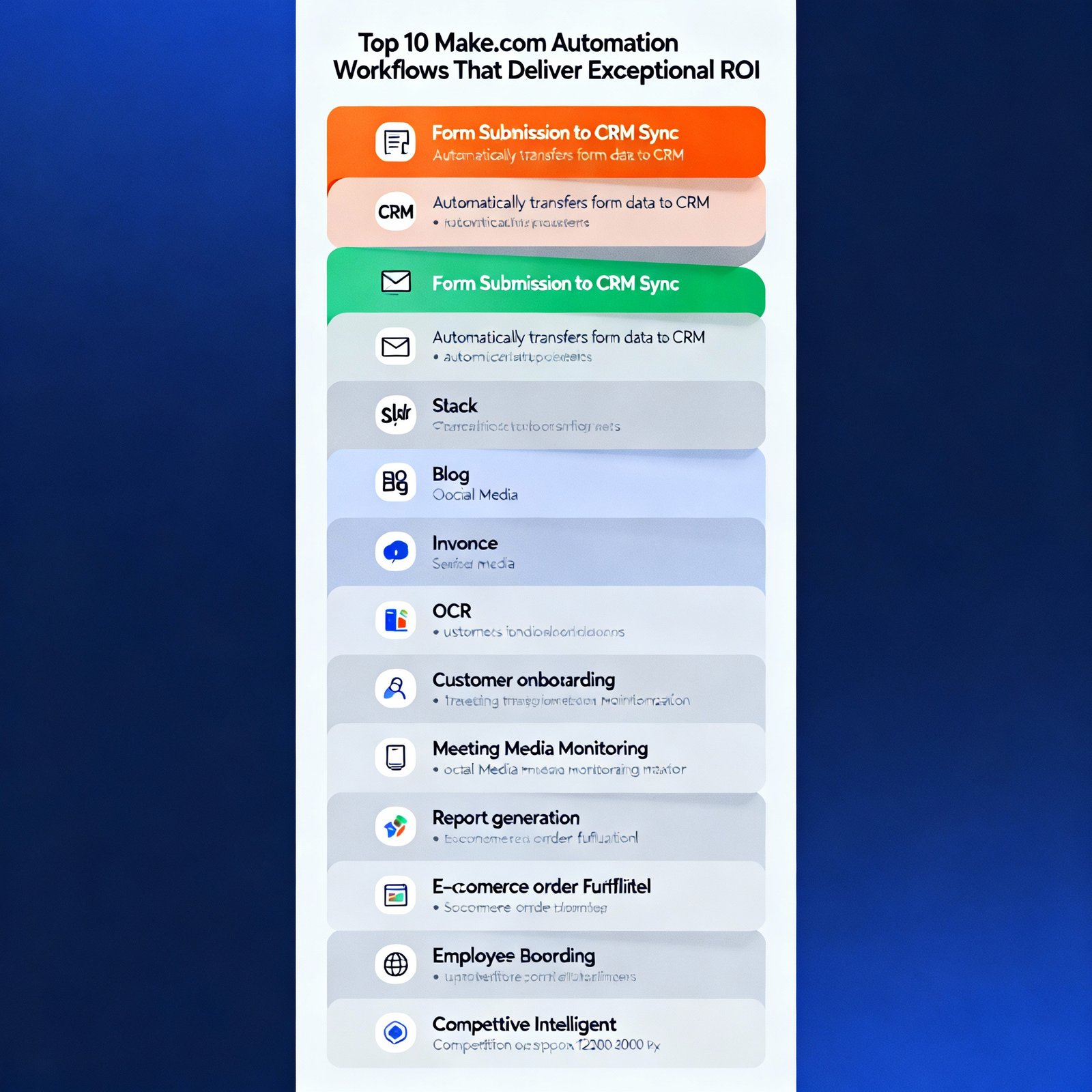
Make.com is one of the most powerful automation platforms available, but most people barely scratch the surface of what’s possible. | Make.com workflows I’ve built hundreds of Make.com scenarios for clients across industries, and certain patterns consistently deliver exceptional ROI. These ten workflows have proven their worth time and again. Let me show you exactly what to build. 1. Automated Lead Enrichment and Routing The Problem: Leads come in with minimal information. Sales teams waste time researching and determining who should handle each lead. The Solution: When a new lead submits a form, Make.com: Time Saved: 15-20 minutes per lead Technical Difficulty: Intermediate Modules Needed: Webhook, HTTP requests, router, CRM integration, Gmail, Slack 2. Content Distribution Across Multiple Platforms The Problem: Publishing content to multiple platforms takes forever and content often needs reformatting for each channel. The Solution: When you publish a blog post: Time Saved: 45-60 minutes per piece of content Technical Difficulty: Intermediate Modules Needed: RSS/Webhook, OpenAI, social media modules, scheduling 3. Automated Invoice Processing and Payment Tracking The Problem: Invoices arrive via email in various formats. Tracking payments manually is tedious and error-prone. The Solution: When an invoice email arrives: Time Saved: 10-15 minutes per invoice Technical Difficulty: Advanced Modules Needed: Gmail, PDF parsing, accounting software, calendar, notification system 4. Customer Onboarding Automation The Problem: New customers need multiple touchpoints across different tools. Manual onboarding is time-consuming and inconsistent. The Solution: When someone becomes a customer: Time Saved: 30-40 minutes per customer Technical Difficulty: Intermediate Modules Needed: CRM, email marketing, project management, router for conditional logic 5. Meeting Recording to Action Items The Problem: Meeting insights get lost. Action items aren’t consistently tracked. Meeting notes are incomplete or never written. The Solution: After a recorded meeting: Time Saved: 20-30 minutes per meeting Technical Difficulty: Intermediate Modules Needed: Zoom/Google Meet, transcription service, OpenAI, project management, email 6. Social Media Monitoring and Response The Problem: Monitoring multiple social platforms is time-consuming. Important mentions get missed. Response times lag. The Solution: Continuous monitoring that: Time Saved: 2-3 hours per week Technical Difficulty: Advanced Modules Needed: Social media APIs, sentiment analysis, OpenAI, routing logic, notification systems 7. Automated Report Generation and Distribution The Problem: Creating weekly/monthly reports manually is tedious. Data lives in multiple systems. Reports are often delayed. The Solution: On a schedule (weekly/monthly): Time Saved: 2-4 hours per report Technical Difficulty: Advanced Modules Needed: Multiple API connections, data aggregation, OpenAI, Google Docs/Slides, email 8. E-commerce Order Fulfillment Workflow The Problem: Order processing involves multiple steps across different systems. Manual coordination causes delays and errors. The Solution: When a new order is placed: Time Saved: 15-20 minutes per order Technical Difficulty: Intermediate Modules Needed: E-commerce platform, inventory system, shipping API, email, CRM 9. Employee Onboarding Automation The Problem: New employee onboarding involves coordination across HR, IT, and multiple departments. Things fall through cracks. The Solution: When a new employee is added to HR system: Time Saved: 3-4 hours per new hire Technical Difficulty: Advanced Modules Needed: HR system, IT systems, email, Slack, project management, calendar 10. Competitive Intelligence Monitoring The Problem: Staying aware of competitor activities requires constant monitoring. Important changes get missed. The Solution: Continuous monitoring that: Time Saved: 5-6 hours per week Technical Difficulty: Advanced Modules Needed: Web scraping, news APIs, social monitoring, OpenAI analysis, notification system Implementation Tips for Success Start simple: Don’t try to build the perfect workflow on day one. Get a basic version working, then iterate. Test thoroughly: Use Make.com’s manual run feature to test each module before activating automated triggers. Add error handling: Use error handlers to catch failures gracefully. Always have a notification system for critical failures. Monitor usage: Keep an eye on your operations count. Optimize scenarios that consume too many operations. Document your workflows: Future you will appreciate notes on what each scenario does and why decisions were made. The Make.com Features That Make This Possible Routers: Send data down different paths based on conditions Iterators: Process arrays of data item by item Aggregators: Combine multiple results into one Error handlers: Gracefully manage failures Data stores: Temporarily store data between workflow runs Scheduling: Run scenarios on custom schedules Master these features, and you can build virtually any automation. Your Next Steps Choose one workflow from this list that addresses your biggest pain point. Don’t try to implement all ten at once. Spend a week building and testing that single workflow. Once it’s running smoothly, move to the next one. Six months from now, you’ll have most of these running, and you’ll wonder how you ever managed without them. The businesses winning in 2025 are the ones that automate strategically. Start today.